Frequently asked questions about Kinster
What is Kinster?
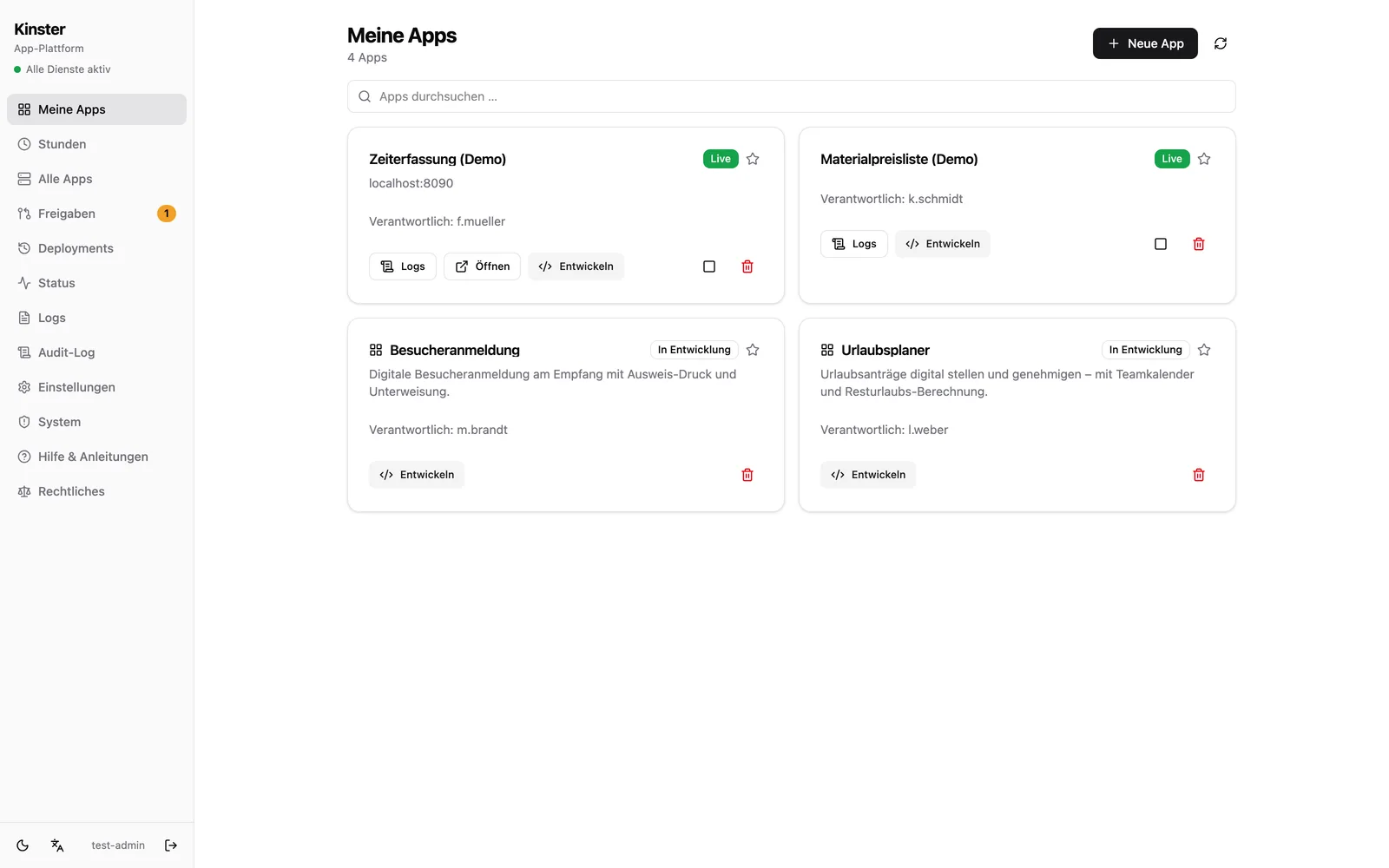
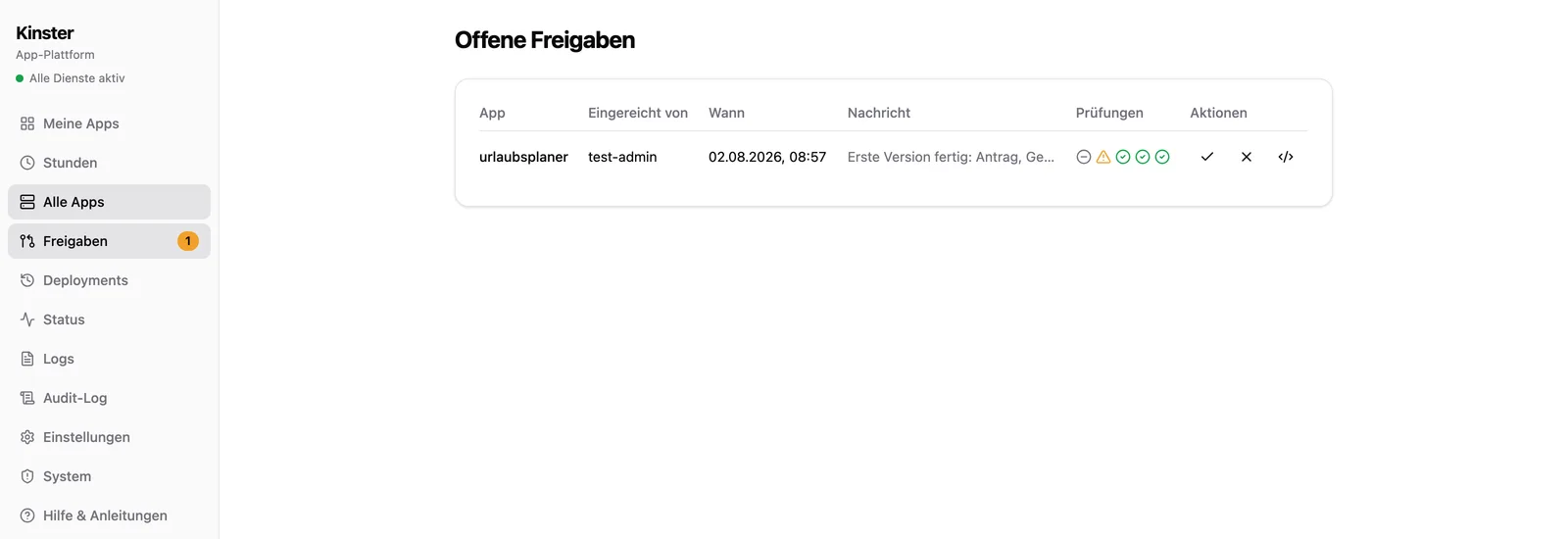
Kinster is an app platform for companies: one central, protected entry point through which employees, customers and prospects access your web apps. For every app you decide granularly who sees it: just your own team, individual customer groups or everyone. Business departments build new apps AI-assisted right in the browser and take them live through a defined review process. needful-apps operates the platform and reviews every app before go-live.
Do business departments need to know how to code?
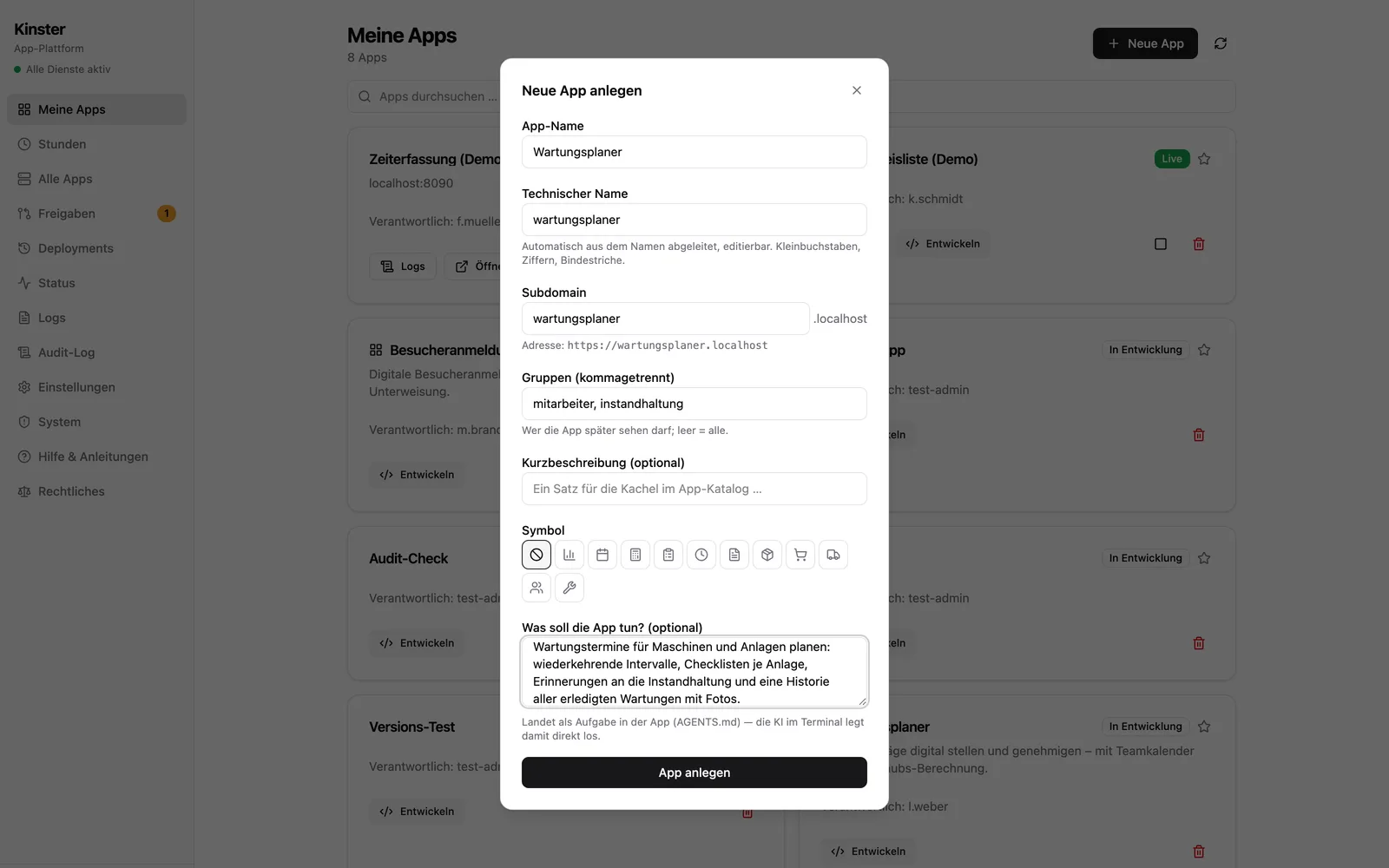
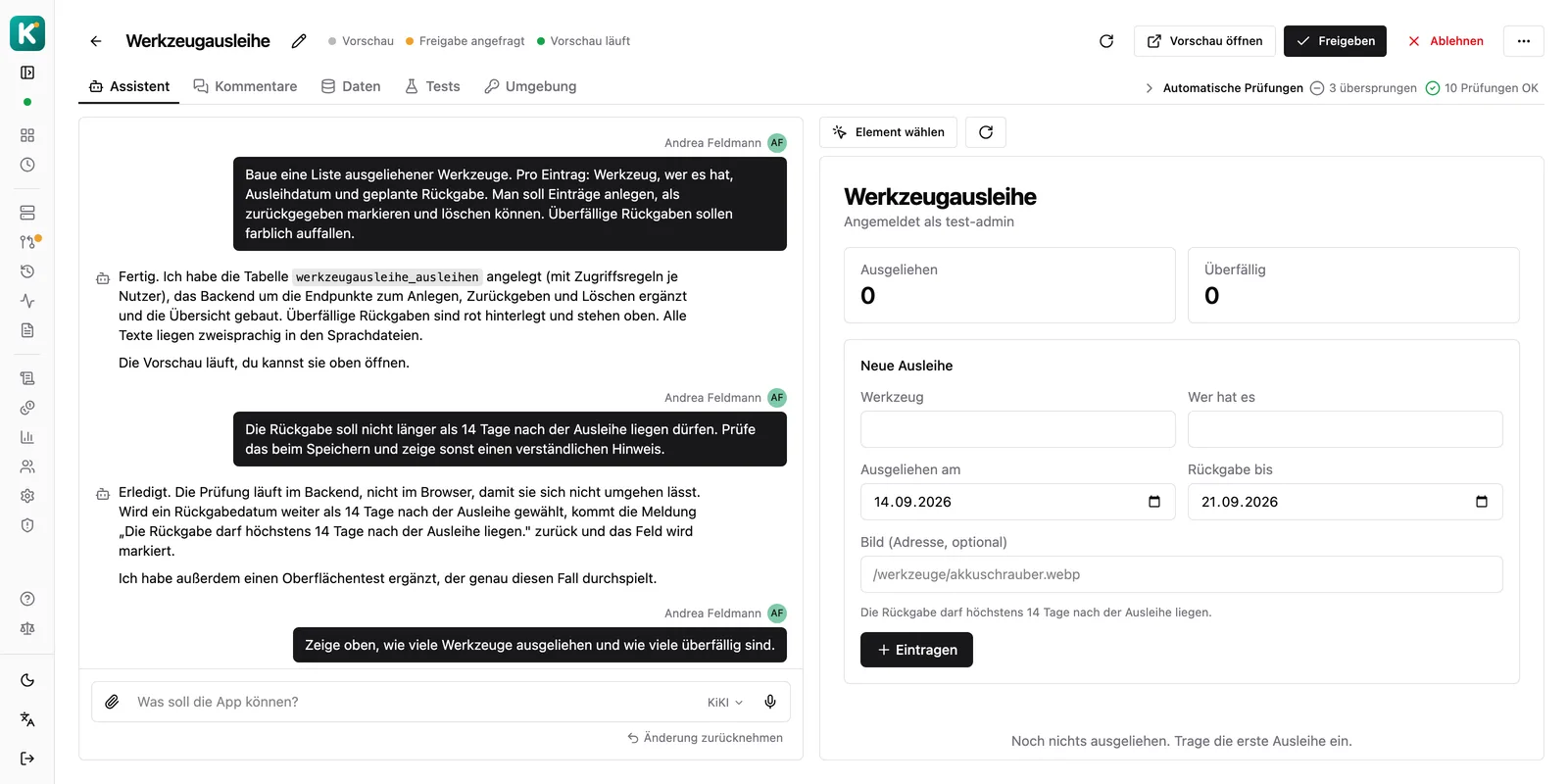
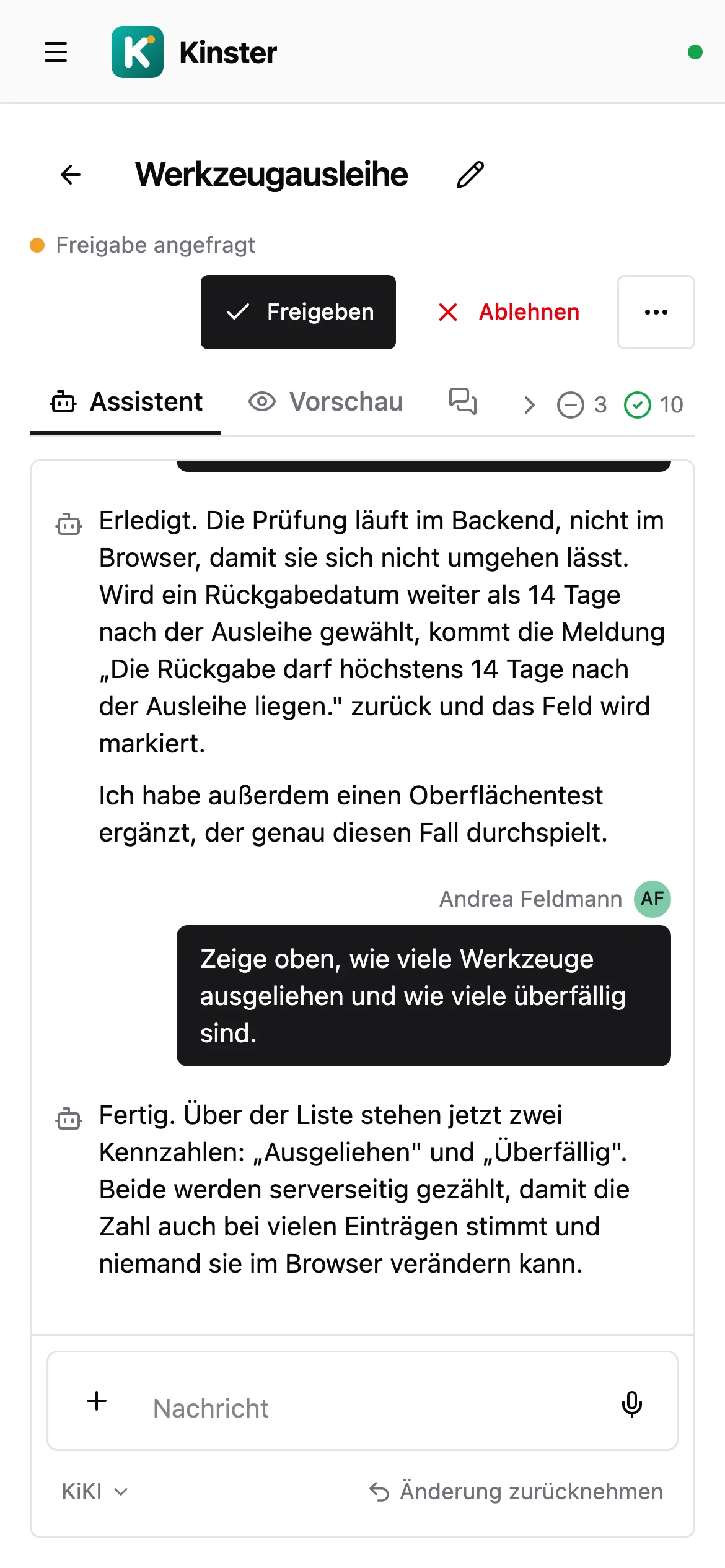
No. Every new app starts from a template with a ready-made project structure, database wiring and working instructions for the AI assistant. Development happens in a chat: the department describes in plain language what the app should do, the AI implements it within the guardrails, and every change can be undone with one click. Anyone who wants to work in the code opens VS Code in the browser right next to it. Onboarding training is part of the offer.
How does Kinster keep AI-generated apps safe?
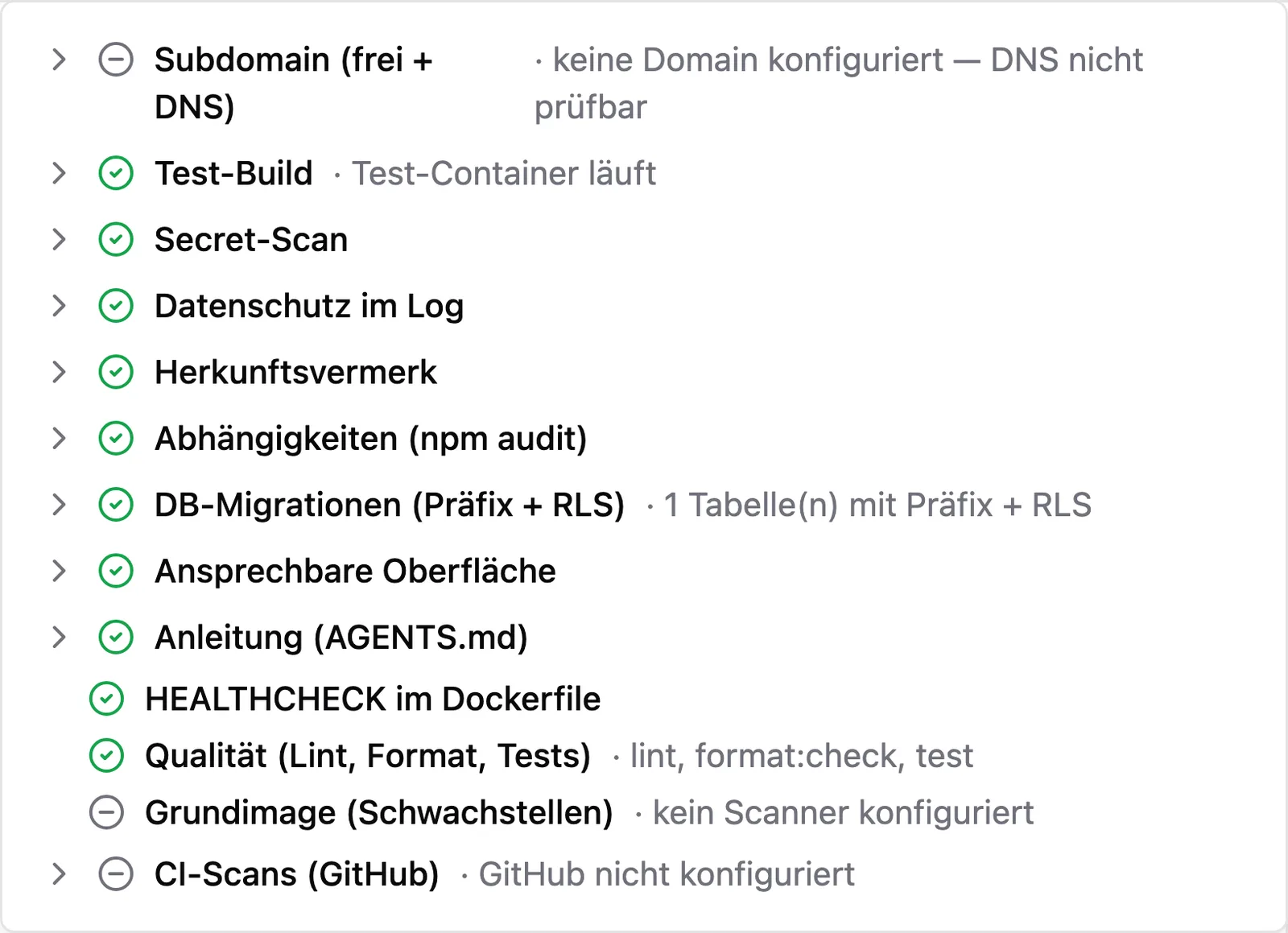
Guardrails instead of trust: twelve automated checks run on submission and block versions that fail, a thirteenth pulls in the CI result afterwards (among them a secret scan, dependency audit, CVE scan of the containers, database migrations with mandatory access rules and a search for personal data in the logs). On top of that come interface tests the assistant writes itself, which run automatically on every approval request. Then needful-apps reviews every app and every major update before it goes to production. Business logic always lives in the backend, never in browser code.
How do customers and external partners get access to an app?
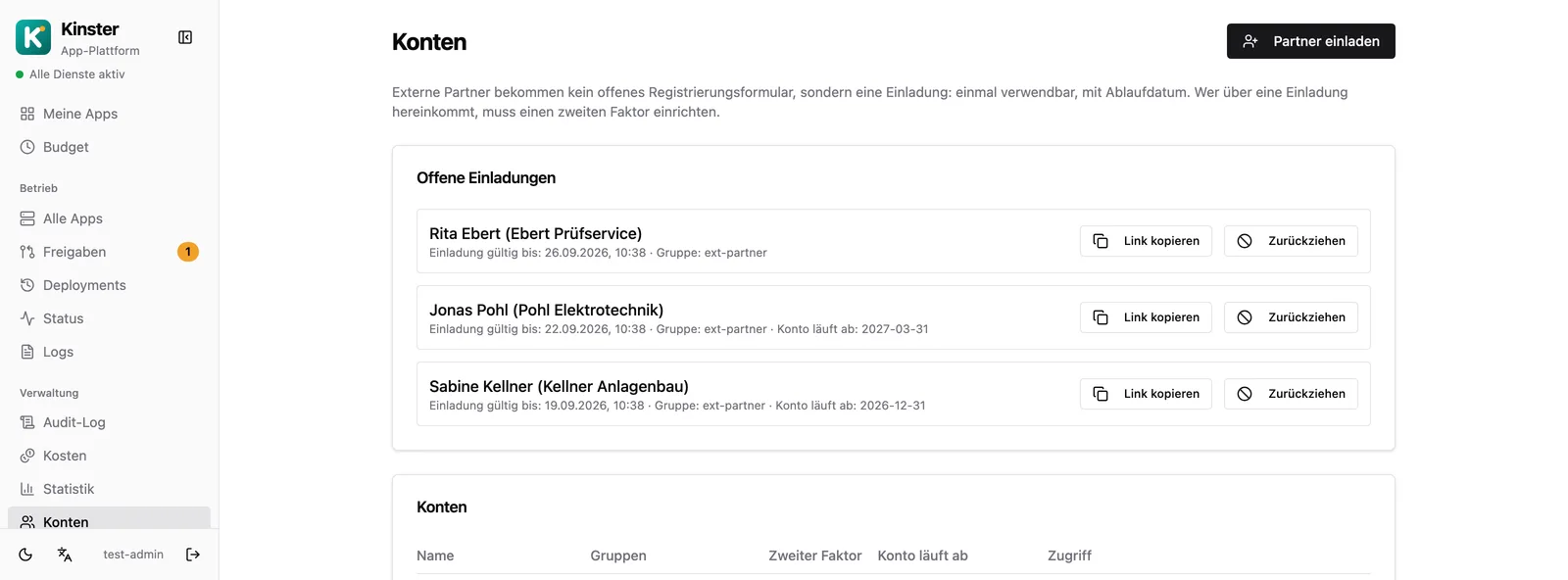
Through invitations instead of shared accounts: single use, with an expiry date, and whoever comes in that way has to set up a second factor. The account itself can carry an expiry date too, so a project login ends on its own. For each person you can see which apps they reach and through which group; a single app can also be released directly to a single person. All of it is managed in the Kinster dashboard.
Does Kinster bring its own AI, or do we need a contract for it?
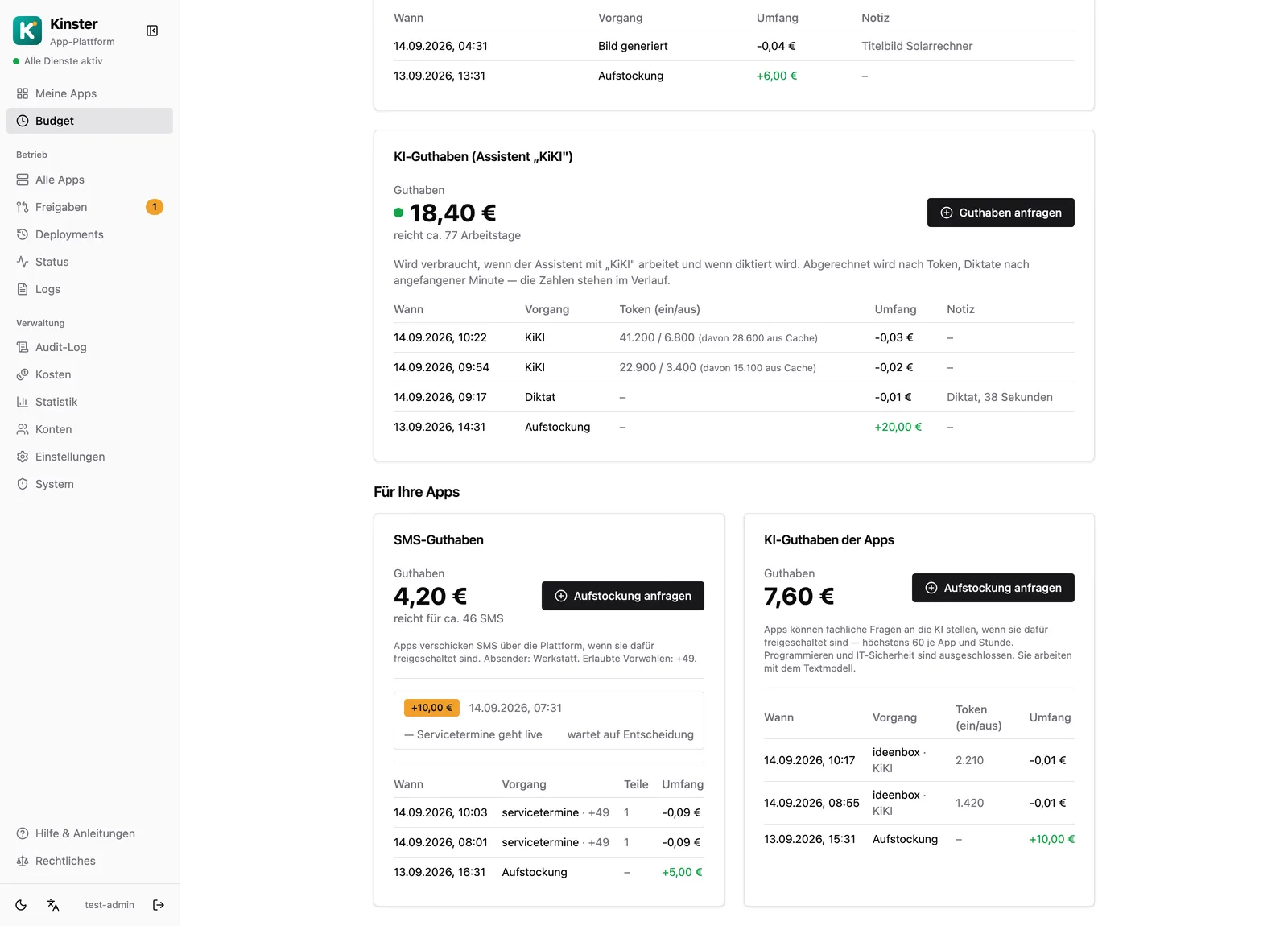
Kinster brings it along. The access to the AI provider sits with needful-apps, so you need neither a contract of your own nor a key nor a second invoice. The assistant understands text and images, PDFs and screenshots can be attached directly, and the platform decides per request which model is needed. You pay for what is used, from a credit whose balance and history sit in the dashboard; topping up is requested, never booked quietly. Anyone who prefers their own AI access can store it per person. Processing runs at a provider in France, and your input is not used for training there.
Can our finished apps use AI themselves?
Yes. An app may ask the AI during normal operation, for instance to classify a piece of feedback, summarise a long text or draft an answer. This is off by default and enabled per app, with its own credit, separate from the review hours and from the assistant credit. The limits are drawn hard: this AI writes no program code and answers no questions about IT security, and requests of that kind are rejected before they reach the provider. On top of that come volume limits per app and hour.
Can apps send SMS?
Yes, through a delivery service in Denmark, connected by the same central route as the AI. This too is off by default and enabled per app, with its own credit. Per installation we set which country codes are allowed (Germany by default), optionally a fixed sender and an upper limit per app and hour. Numbers without a country code are rejected rather than guessed, and the recipient number does not appear in our logs.
Can the apps send email?
Yes, through a central connection to your own mailbox rather than a third-party mail sender. Sending is enabled per app, with an hourly limit, and every activation is recorded in the audit log.
How do users sign in?
Via single sign-on: employees use single sign-on with their existing company account, customers and prospects register with email and password plus multi-factor authentication. Groups control per app who sees it: managed centrally, no per-app logins.
Where does Kinster run and who owns the data?
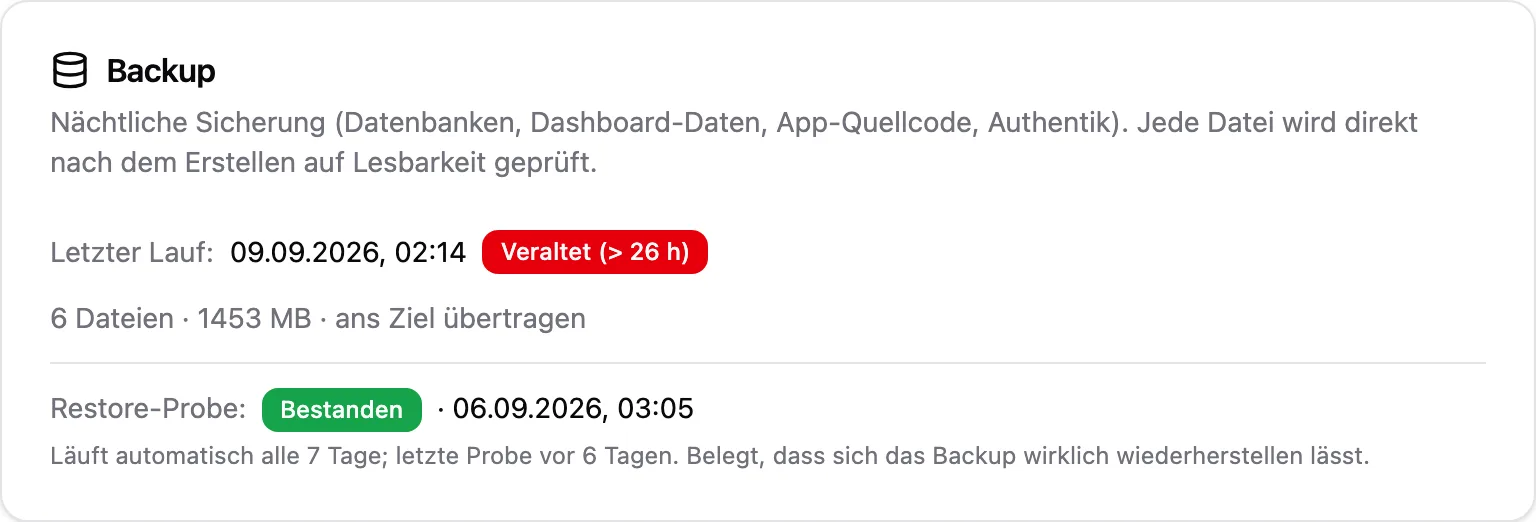
Either with needful-apps or on your own server, in both cases in a German data center, operated with Docker Compose, no US cloud. The AI, speech and SMS services Kinster brings along also run at European providers (France, Denmark, Germany) which do not use your input for training; on our side only the billing record of a request remains, never its content. The source code of every app lives under version control on the server of the installation and is mirrored into your own Git hosting on request; data lives in a Supabase database of the installation. Daily backups are stored tamper-proof (append-only) and regularly tested for restorability.
Do we have to operate Kinster ourselves?
No. Kinster is available as a complete package: needful-apps provides the servers in a German data center, operates the platform and keeps it up to date, while you and your departments only need a browser. If you have your own infrastructure or your own requirements, Kinster runs on your own server instead; feature set and care are identical, and a later move is possible in both directions.
What happens if an app goes down?
Deployments run without interruption (zero downtime); if something goes wrong, one click rolls back to the previous version. Monitoring checks every app from the outside, alerts go out by email, and the dashboard shows status, logs and deployment history for every app.
Will the apps look like our company?
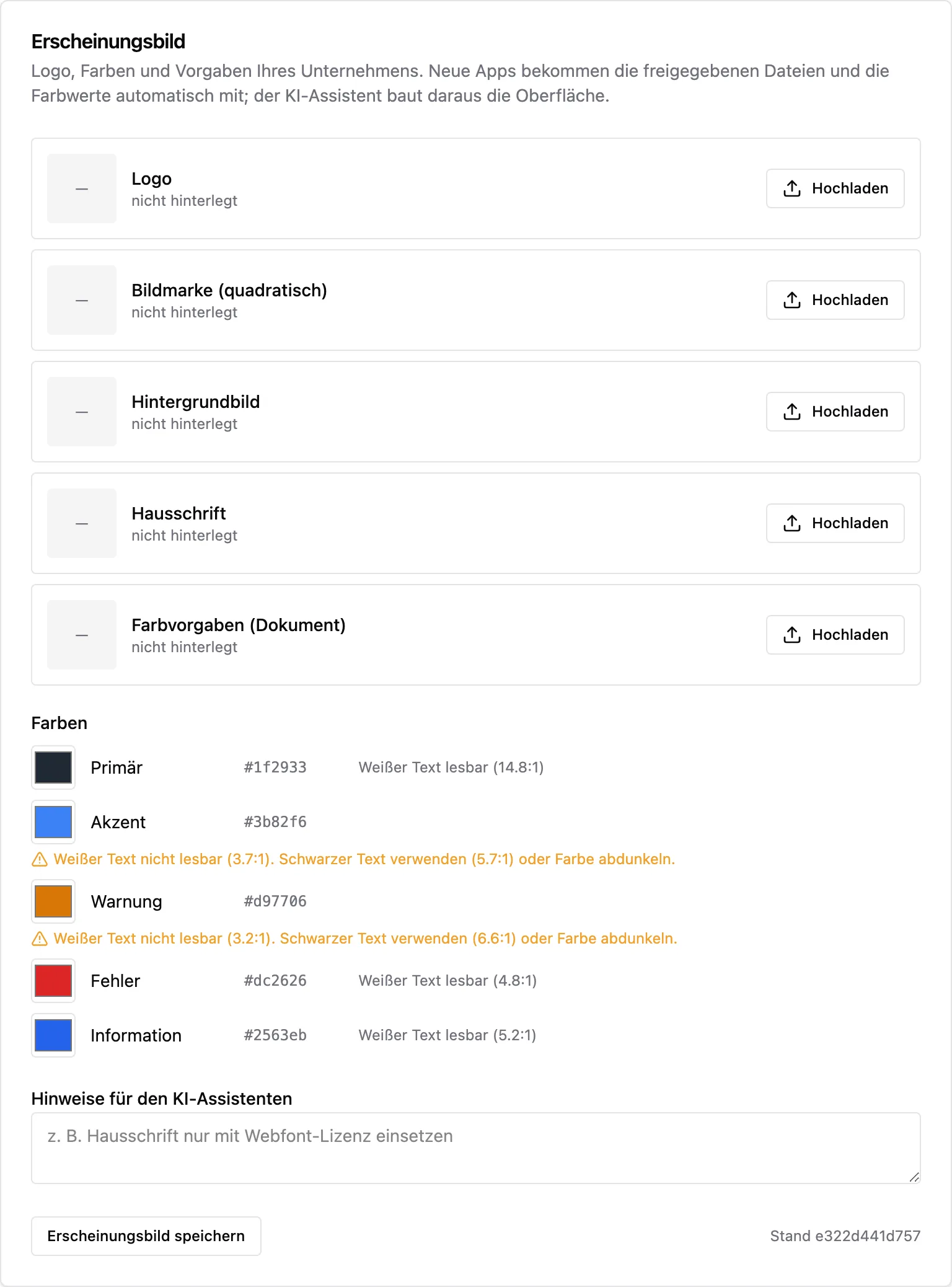
Yes, automatically. You store logo, colours and design specifications once, centrally in the settings; every new app starts in your corporate design, and the AI assistant applies the specification when building the interface. Kinster also checks every colour for sufficient WCAG contrast, which matters especially for suppliers to the public sector. If the design changes, the platform offers each app the update.
Can existing tools and Excel solutions be taken over?
Yes. Existing applications move onto the platform, including user accounts and access; grown Excel or Access solutions are rebuilt as proper apps, with permissions, backups and history. needful-apps handles the migration as part of the setup.
What does Kinster cost?
Kinster consists of setup, license and ongoing care (server maintenance, monitoring, code review, response times per agreement). Review hours are transparently visible in the dashboard. Pricing depends on scope and number of users, and you get a transparent quote in a free initial consultation.